Make it yours.
One line or a little more context. Set your type size, spacing and pace.
Read every word.
Look like you didn't.
The teleprompter that lives in your notch.
Your words, right by
the camera.
Free to start Mac & iPhone
Notchalant for Mac
The notch becomes your prompter. Keep your next words close to the lens, then let them disappear when you're done.
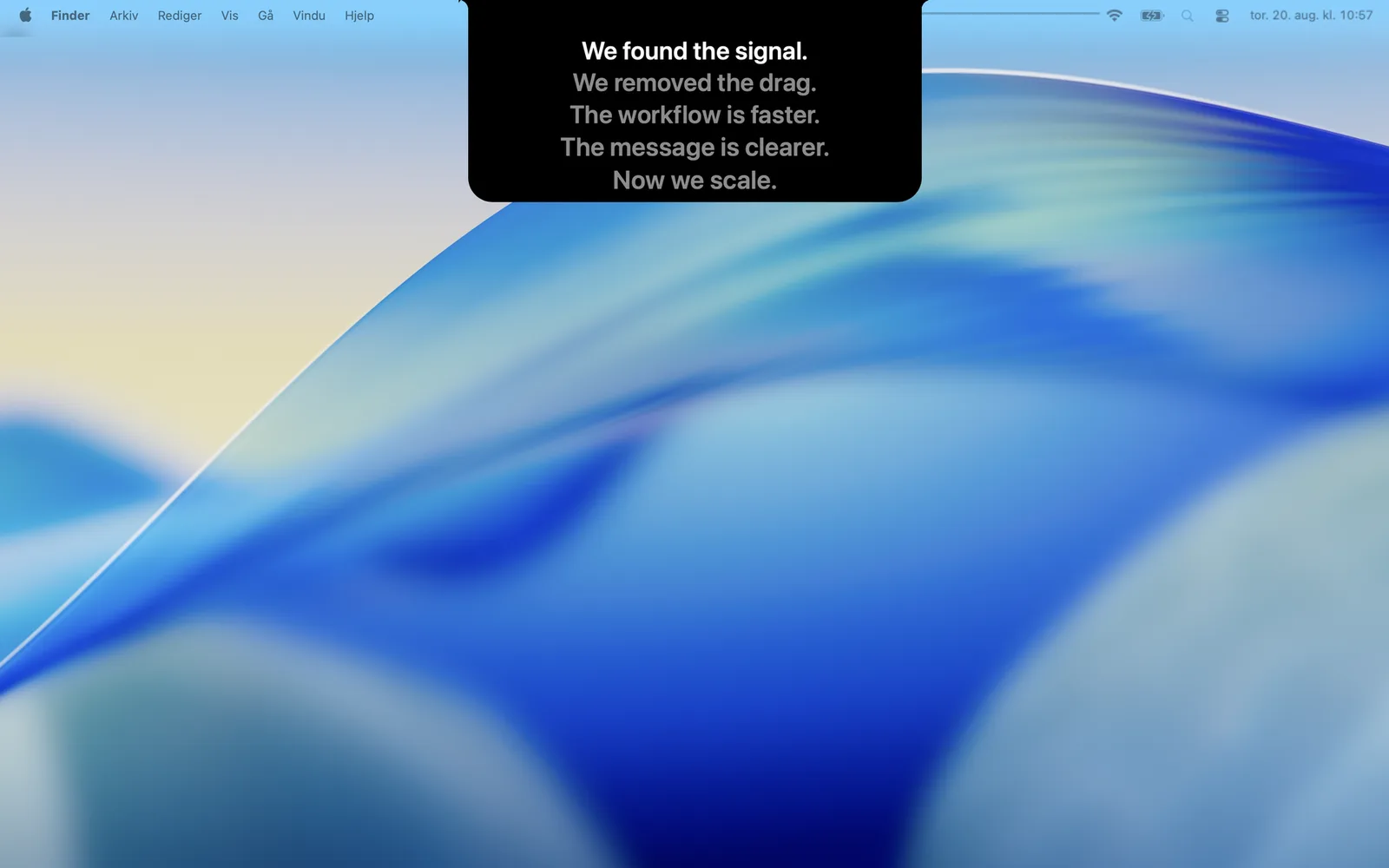
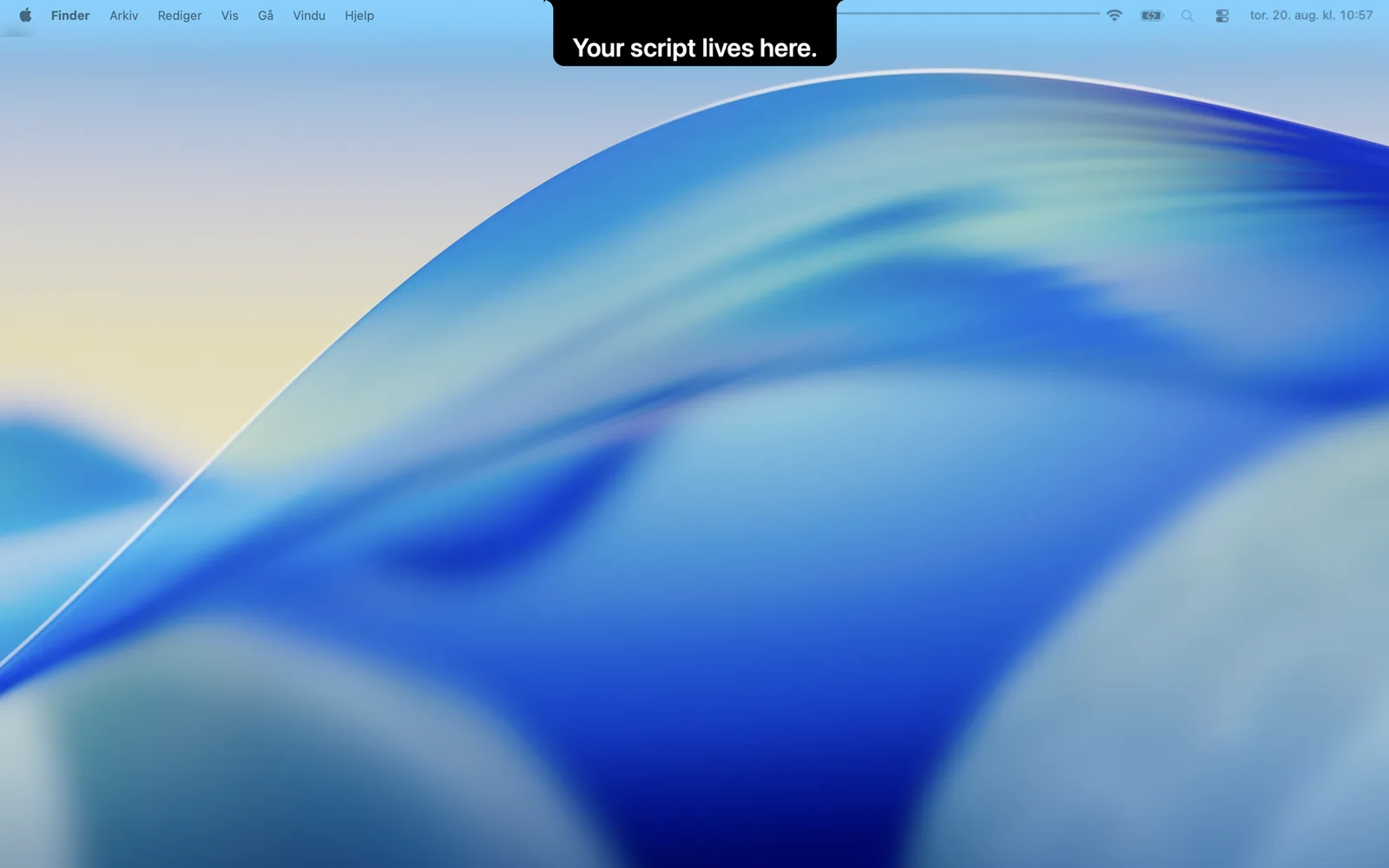
Prepare your script, set your pace, then bring it into the notch. Your words stay close while the rest of your screen stays yours.
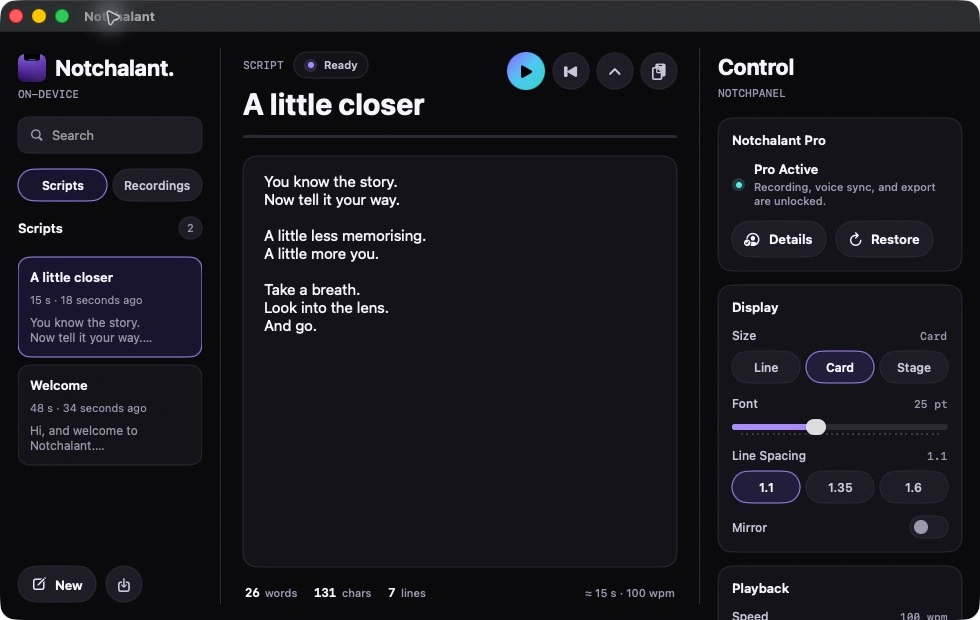
One line or a little more context. Set your type size, spacing and pace.
With Pro, Voice Sync follows your words, not a timer. Pause, breathe, carry on.
Record with Pro. Trim, crop and export on Mac, with optional SRT captions.
Voice Sync needs an available on-device speech model. Fixed-pace prompting is always available.
Notchalant for iPhone
Read from the top of your screen, not the bottom. Your script sits beside the front camera while you frame and record your take.
Your next line, in sight.
Keep the current
words bright and the next words close.
Your take, in Photos.
Record with Pro,
then choose to save.
iOS 17 or later. One Pro subscription for Mac and iPhone.
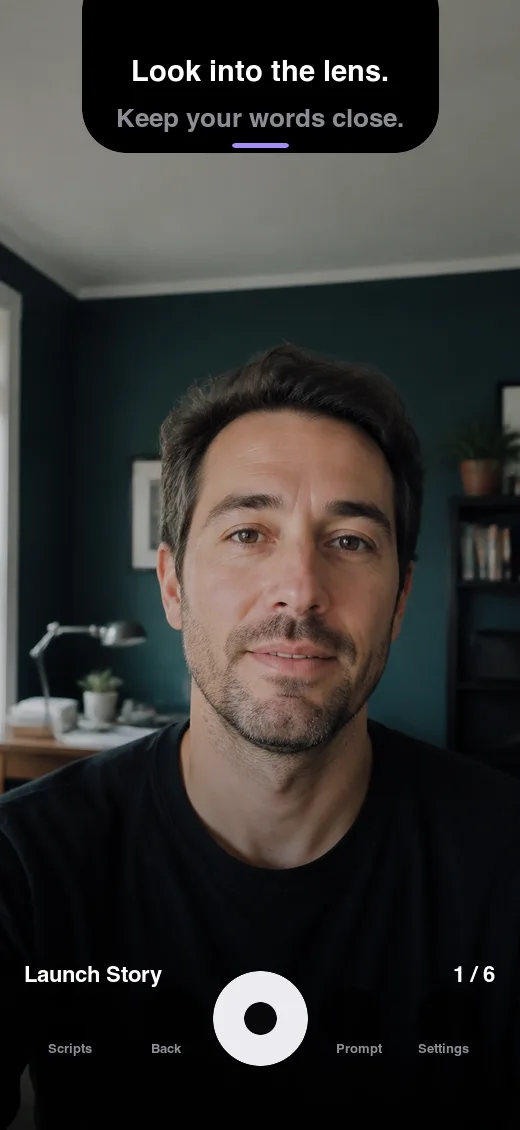
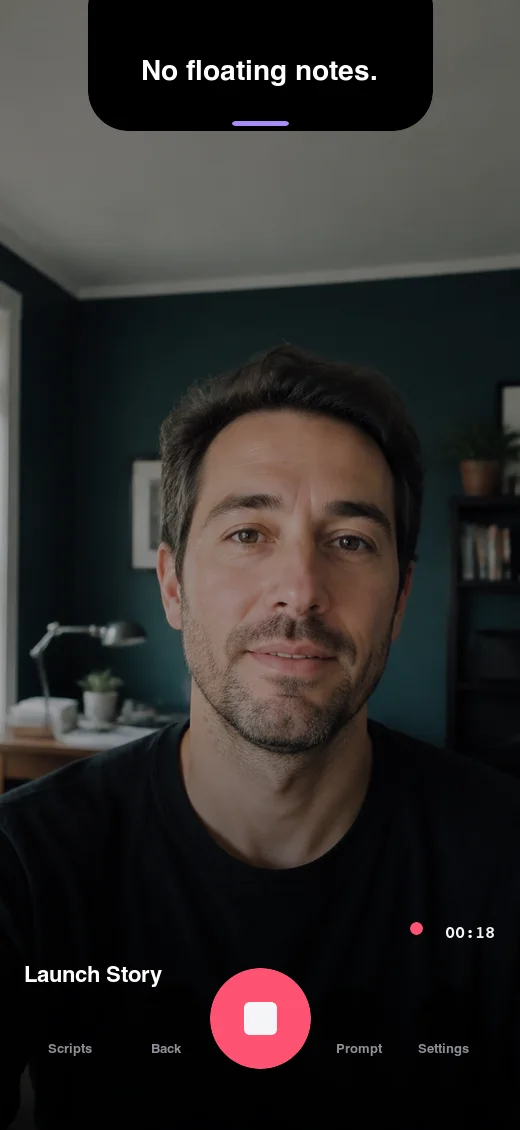
Prompt and recording views. Camera preview illustrated.
Free
Everything you need to keep your next line close.
$0.49 / month
Follow your voice. Capture the moment. Make it a take.
USD price in the US App Store. Local pricing may vary. Pro renews monthly until cancelled and works on both platforms with the same Apple Account. Managed by Apple. Terms of Use
No Notchalant account. Download with your Apple Account and get started. Apple handles purchases and supported iCloud settings sync.
They stay on your device. There are no analytics, tracking SDKs or Notchalant servers receiving your scripts or recordings. On Mac, takes live in the app's recording library. On iPhone, you choose whether to save to Photos. Read the privacy policy.
Supported prompt settings can sync through your private iCloud account. Scripts and recordings do not currently sync. Your Pro subscription works on both platforms with the same Apple Account.
Yes, with Pro on Mac and iPhone, when an on-device speech model is available for your language. Speech stays on your device. When a model isn't available, use fixed-pace prompting instead.
Not in camera recordings made with Notchalant. When sharing your Mac screen through another app, share a specific app window to keep the prompt out of view. Whole-screen sharing can include overlays.